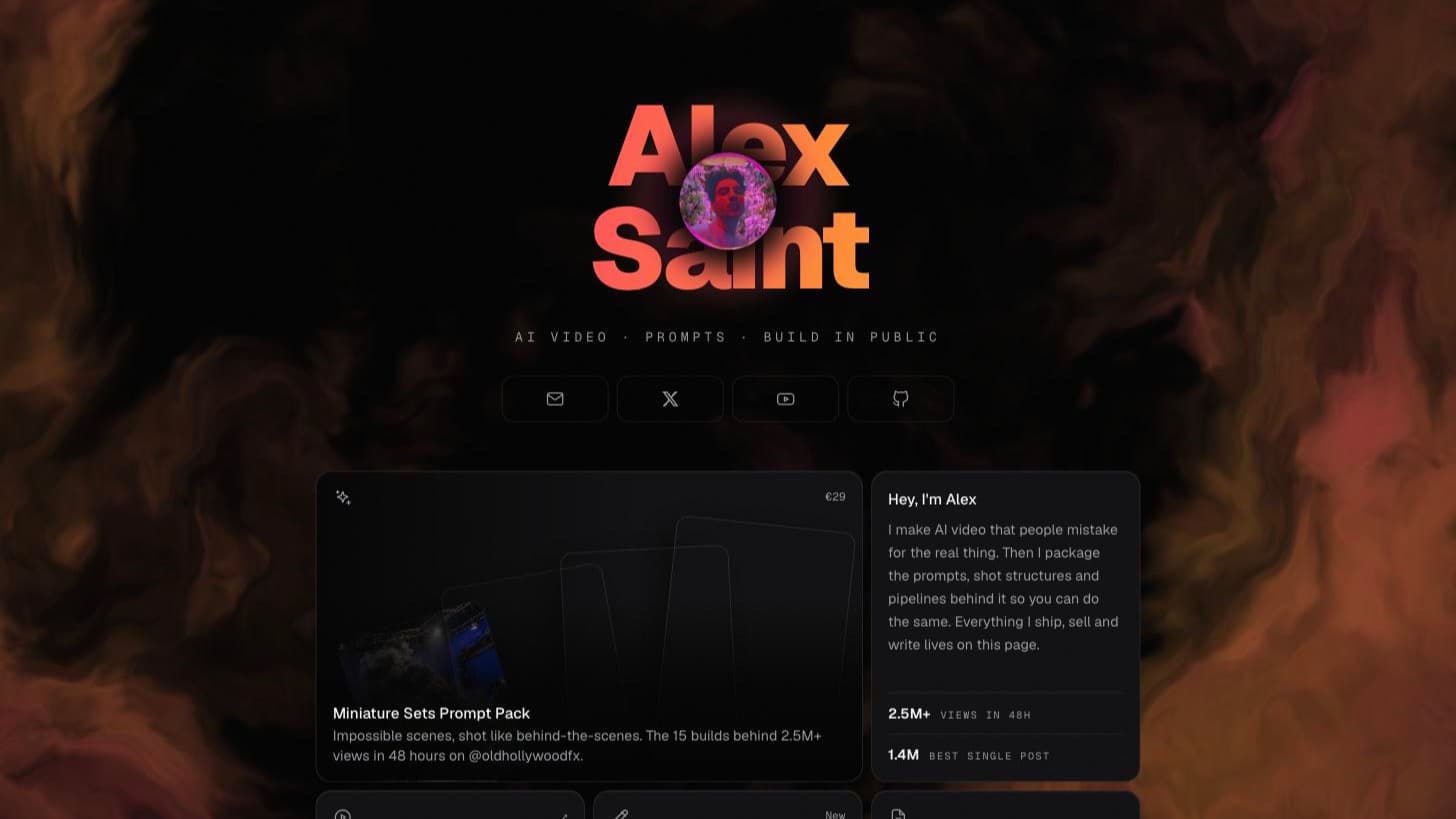
Every portfolio site eventually gets smooth scroll bolted onto it, and most of them get worse. The scroll goes syrupy, the keyboard stops working, anchor links overshoot, and the whole thing fights the browser for no visible gain. So before installing anything I wrote down the only rule I cared about: motion has to make the page easier to read, not prove that I installed a library.
Three packages survived that rule on the first pass. Then I went back and added four more I had explicitly sworn off. The second half of this post is me explaining that reversal, and what it cost. Here is the full stack as it ships today.
Lenis
1.3.25Retimes the scroll itself. Nothing else on this list can do that.
MIT
GSAP
3.15.0Animates on scroll position. ScrollTrigger and SplitText are the reason.
No-charge standard licence
React Bits
registryCopy-in components. Not a dependency: the code lands in your repo.
MIT + Commons Clause
Motion
12.43.0Spring physics for pointer-driven UI: the tilts and magnetic pulls GSAP is clumsy at.
MIT
ogl
1.0.11Tiny WebGL. Renders the aurora behind the homepage hero, and nothing else.
Unlicense
Tempus
1.0.0One shared rAF loop for the custom stuff. Same team as Lenis.
MIT
NumberFlow
0.6.2Animated number transitions. There is a live one further down.
MIT
↑ React Bits SpotlightCard. Move your cursor over them
one clock · three layers
01
Lenis
owns the scroll position, nothing else
02
GSAP on one raf
every animation reads that position
03
WebGL aurora
paints behind it, on the same clock
Lenis does one thing, and it is not animation
Lenis intercepts wheel and touch input and interpolates the scroll position instead of jumping to it. That is the entire product. It does not animate elements, it does not do parallax, it just changes how far the page has travelled at any given frame.
That distinction matters because it explains the first gotcha. If you also run GSAP, you now have two things asking the browser for animation frames: Lenis with its own requestAnimationFrame loop, and GSAP with its ticker. They drift, ScrollTrigger reads a scroll position that is one frame stale, and everything pinned to the scroll judders very slightly. It looks like a rendering bug and it is actually a scheduling bug.
The fix is to turn Lenis's loop off and let GSAP drive both:
<ReactLenis root options={{ autoRaf: false }} ref={lenisRef}>

gsap.ticker.add((time) => {
  // GSAP reports seconds, Lenis wants milliseconds
  lenisRef.current?.lenis?.raf(time * 1000)
})
gsap.ticker.lagSmoothing(0)
lagSmoothing(0) is the part people miss. GSAP normally pauses its ticker after a long frame to avoid a jarring catch-up animation. That is sensible for a tween and disastrous for scroll: it strands Lenis mid-travel and the page stops responding to the wheel for a beat.
If you have never seen the two-loop problem in motion, this walks through the same pairing from the other direction, building it up rather than debugging it.

The Next.js 16 gotcha nobody warns you about
Second gotcha, and this one is specific to this site. Up to Next.js 15, the framework actively overrode your scroll-behavior during client-side navigation: it flipped it to auto, jumped to the top, then restored your value. In Next.js 16 that override is gone by default, and you opt back into it with data-scroll-behavior="smooth" on the <html> element.
Which means: with Lenis, you want the new default and you must not add that attribute. If you do, Next and Lenis both try to own the scroll position on every route change, and navigation gets a visible stutter. It is a one-word fix that is essentially impossible to find by debugging, because nothing errors. It just feels cheap.
The build that eats spaces
Third gotcha, found on this very article. Write an inline element with text after it on the same JSX line:
GSAP's <Code>matchMedia</Code> skips every revealThe production build of this site sometimes drops the literal space after the closing tag. The rendered HTML read matchMediaskips. Same paragraph, same file: two frame loops became twoframe loops. I can tell you what I observed, not why: this is Next 16.2.12 building with Turbopack, only a handful of instances were affected, and I could not find the pattern that decides which: visually identical lines a paragraph apart came out differently. What I can say is that every space written as an explicit {' '} expression survived the build, every time.
So that is the fix, applied to all of them: after any inline <code>, <strong> or <em>, the space is {' '}, never a literal. Ugly, mechanical, and checkable: grep the built HTML for a closing tag followed immediately by a letter and the sweep is proven done when that comes back empty. If words in this post ever run together again, that grep is the first thing to run.
GSAP is fully free now, which changes the calculus
GSAP used to gate its best plugins behind a paid membership. That is over: the public npm package ships ScrollTrigger, SplitText, ScrollSmoother, Flip, Draggable and the rest with no licence key. I checked the installed package rather than trusting a blog post: ls node_modules/gsap lists all of them.
In React, use the @gsap/react hook rather than useEffect. It scopes selectors to a container ref and reverts every animation on unmount, which is what you want in the App Router where components remount on client-side navigation. Without it, ScrollTriggers leak and stack up on repeat visits to a page.
SplitText earns its keep on the product page headline: words rise out of per-line masks on load. The modern API is worth knowing: SplitText.create() with autoSplit: true re-splits when web fonts finish loading or the element resizes, so your line masks do not end up wrapping mid-word, and you return the tween from onSplit so it gets rebuilt on every re-split. It also handles accessibility itself: the original text goes into an aria-label and the hundred spans are hidden from screen readers.
Scroll-linked type
↑ React Bits ScrollFloat: per-character, driven by ScrollTrigger
React Bits is not a dependency
This gotcha is conceptual rather than technical. React Bits is not on npm. It is a registry you pull from with the shadcn CLI, and the component source lands in your repo as a normal file you own and edit:
npx shadcn@latest add @react-bits/SpotlightCard-TS-TWTwo consequences. First, the components arrive without a 'use client' directive. They use hooks, so in the App Router they fail until you add it yourself. Every single React Bits component on this site needed that line before it would compile. Three for three.
Second, the licence is MIT plus the Commons Clause. Ordinary use, including commercial, is fine. You simply cannot sell the component library itself as a product. Worth knowing before it ends up in something you charge for.
The deeper consequence of owning the code: you also own the bugs. The ScrollFloat above shipped comparing characters against '' instead of ' ', which collapsed every space and ran the words together. The aurora component further down needed more surgery than that. Copy-in registries are a code review, not an install.
Round two: everything I said I would not ship
The first version of this post ended with a section called “what I deliberately left out”, and it listed Motion and WebGL backgrounds with reasons I stood behind. Then I looked at the site cold and admitted the problem: a page that sells AI video (a product that lives or dies on motion) felt like a printed brochure. The restraint read as absence, not taste.
So the decision changed, but the rule did not. Everything below made it in only under conditions: lazy-loaded, desktop-only where it is decoration, paused the moment it is offscreen or the tab is hidden, and completely absent under prefers-reduced-motion. If a library could not meet those terms, it stayed out. One still does.
Motion, for the physics GSAP is wrong for
Motion is the Framer Motion successor: same code, new package name, and the import is motion/react, which cost me ten confused minutes of typo-hunting. My original objection was that a second animation runtime is dead weight next to GSAP. That is still true for timelines and scroll work, and I use GSAP for all of it. What GSAP is genuinely clumsy at is interruptible, pointer-driven springs: animations that retarget mid-flight every time the cursor moves.
That is exactly what the homepage bento does now: each card tilts a few degrees toward the cursor on a spring, with a spotlight tracking the pointer. Motion values bypass React renders entirely, so mousemove does not trigger a single re-render. The product page buy button leans toward the cursor the same way, capped at seven pixels. Magnetic, not needy.
Two things kept the cost acceptable. First, the LazyMotion + m pattern with the domAnimation feature set, instead of importing motion wholesale: the docs put the difference at roughly 34 KB down to about half that; I did not measure more precisely than “visibly smaller chunk”, and strict mode throws if a feature you did not load sneaks in. Second, a hard-won layout rule: GSAP and Motion must never write transform on the same element. The entrance stagger (GSAP) animates the card's anchor; the tilt (Motion) owns an inner div. Put both on one element and they overwrite each other in whichever order the frame lands. It looks haunted.
The WebGL background I said I would not ship
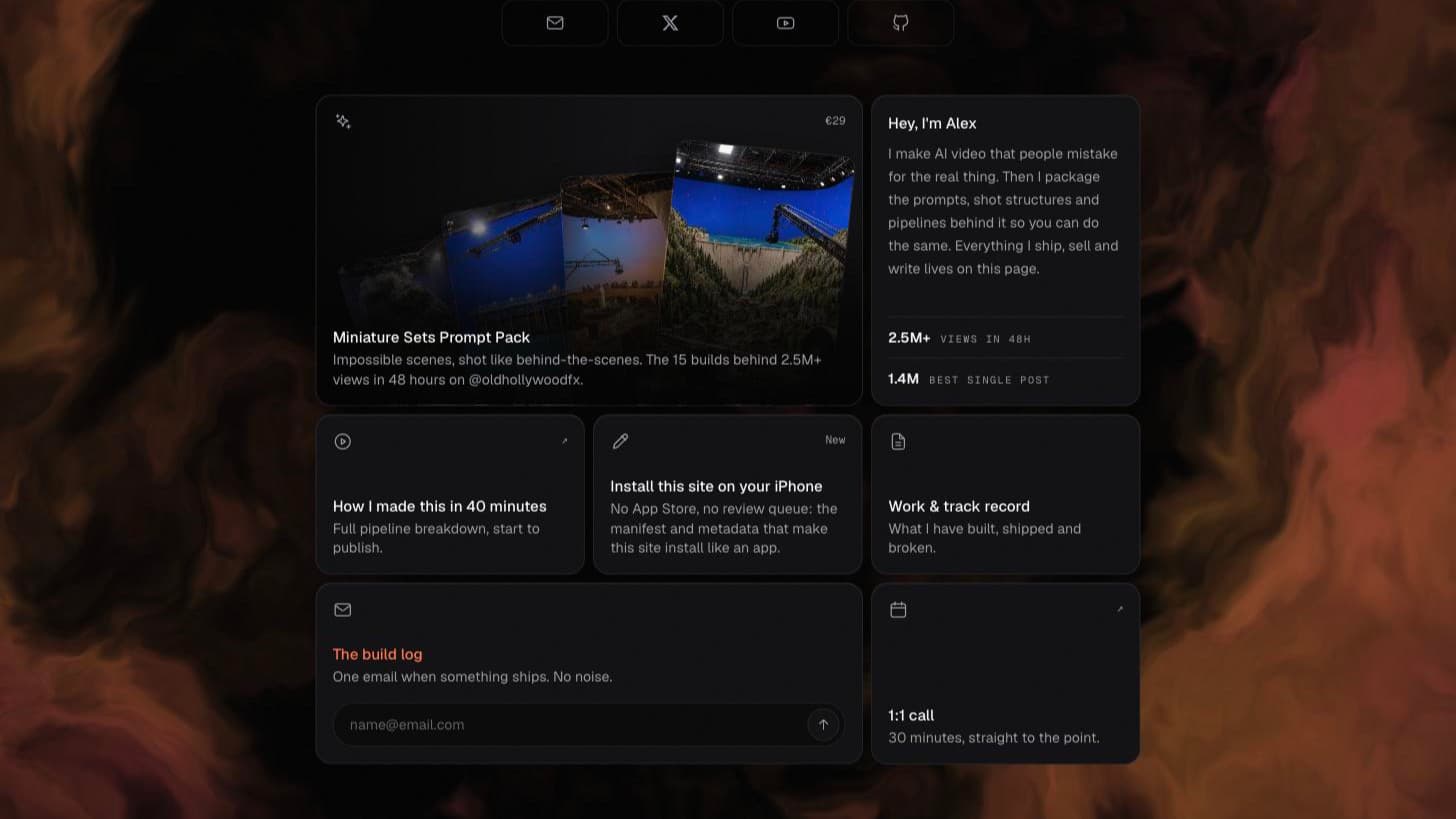
My original line: shaders run a render loop forever and heat up a laptop to decorate a page that is mostly text. Every word of that was true. Of the component as downloaded. The React Bits aurora (built on ogl, a genuinely tiny WebGL library) arrived with a raw requestAnimationFrame loop that never stopped: hidden tab, scrolled offscreen, did not matter, it kept rendering. It also re-parsed its three hex colours with new Color() allocations every frame, and its effect depended only on [amplitude], so changing that one prop tore down and rebuilt the entire WebGL context. And, of course, no 'use client'.
The version on the homepage now subscribes to the shared frame loop only while the canvas is intersecting the viewport and document.visibilityState is visible, parses colours once, and mounts once. It is desktop-only (on mobile widths the chunk is never even downloaded) and it fades to nothing behind the hero instead of shouting.
One Next.js 16 landmine on the way: next/dynamic with ssr: false is not allowed in Server Components anymore. The build errors and tells you to move it. So the lazy import lives in a small client wrapper whose whole job is deciding whether the shader deserves to exist: wide screen, no reduced-motion preference, otherwise null.
A related casualty of the redesign, filed under “CSS knows no mercy”: the hero wordmark uses background-clip: text for the pink→orange gradient, and SplitText breaks gradient text. Split the headline into per-character spans and each span clips its own copy of the background. The ramp restarts on every letter and the wordmark turns into confetti. The wordmark therefore animates as whole lines sliding out of overflow masks, and SplitText only runs on the product page, where the headline is solid-coloured.
Tempus, or: the one loop that is not one loop
Tempus is from darkroomengineering, the Lenis people, and Lenis already uses it internally. The pitch is “one rAF to rule them all”: every custom animation loop registers with one scheduler, with explicit ordering and per-callback FPS throttling. The aurora above and the frame counter below both schedule through it rather than calling requestAnimationFrame themselves.
Honesty requires the asterisk: this site still runs two frame loops, because GSAP's ticker drives Lenis and everything scroll-linked, and GSAP does not schedule through Tempus. Tempus does offer Tempus.patch(), which monkey-patches window.requestAnimationFrame itself and absorbs every third-party loop, GSAP included. I read that, admired the audacity, and did not ship global monkey-patching on a site that also runs auth. Two subscriptions, clearly owned, beats one loop acquired by ambush.
NumberFlow, and the only number I am allowed to animate
Animated counters are where dishonest sites go to lie: numbers spinning up to follower counts nobody has. This site has a strict no invented numbers rule, which left exactly one number that is both real and changes: your frame rate. Tempus counts real frames over ~600ms windows; NumberFlow animates the digits when the value changes.
—fps
↑ your real frame rate, counted by tempus, animated by NumberFlow. Scroll it offscreen or hide the tab and the loop unsubscribes.
Things worth knowing before you use it: it renders a custom element under the hood, and it animates transitions: the server renders the final value and nothing moves until the number actually changes, so it is useless for entrance effects and good for live data. It also respects prefers-reduced-motion out of the box (there is a respectMotionPreference prop you would have to actively set to false to misbehave). The meter above goes further and never starts the measuring loop at all. An animated proof that the frame loop is not running would be a strange thing to show a user who asked for stillness.
What is still left out
ScrollSmoother. Free now, still out, same reason as before: it solves the same problem as Lenis, and running both means two systems interpolating one scroll position. Pick one; I picked the one with first-class React bindings.
The original version of this section also listed Motion and WebGL backgrounds. I was wrong about the libraries and right about the failure mode: both are up there now, wearing the constraints that made them acceptable. The lesson I am keeping: the objection was never “Motion bad, shaders bad”, it was “unbounded render loops bad, second runtime with no job bad”. Fix the objection and the tool is fine.
The rule I ended on
Every animation here is tied to prefers-reduced-motion. Not as a courtesy but as a correctness check. If the page still communicates exactly the same thing with all motion switched off, the motion was decoration and the content is doing its job. If it does not, the motion was carrying meaning it should never have been asked to carry.
Turn the setting on in macOS Accessibility and reload. Lenis unmounts entirely, GSAP's matchMedia skips every reveal and the SplitText never splits, the aurora chunk is never fetched, the Tempus loops never start, Motion's springs go inert via useReducedMotion, and NumberFlow renders plain digits. You get a black page with a pink-orange name on it that scrolls like a default browser. Nothing is missing. That is the test passing.