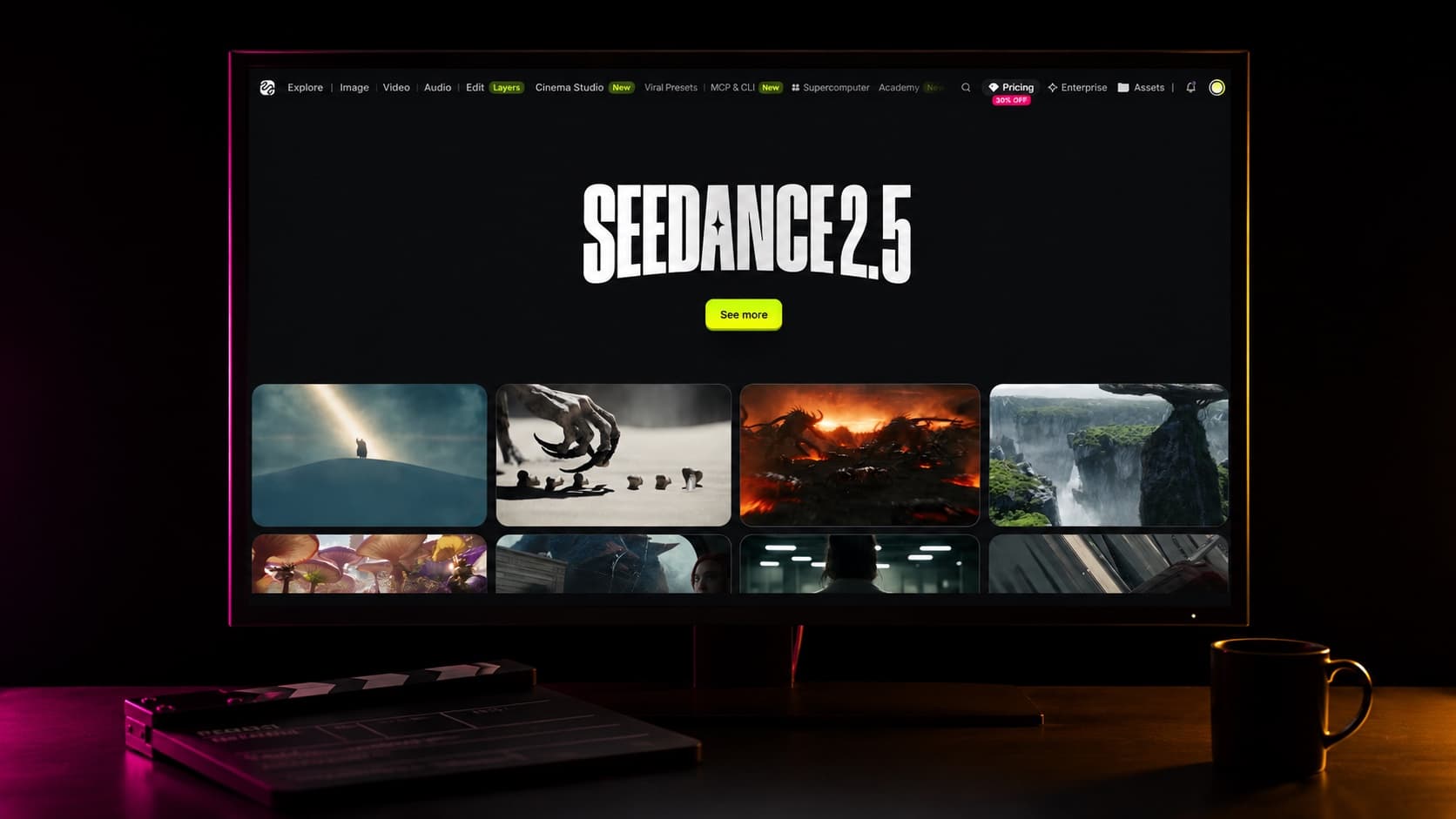
Higgsfield turned Seedance 2.5 loose: unlimited generations for up to 33 days, zero credit cost per run. One job one-shots 30 seconds of video, audio in the same pass, carrying up to 50 references. When every iteration is free, the bottleneck stops being the render bill and becomes your system. Here is the system, and the sentence it rests on: frames are cheap, clips are expensive, the finished cut is sacred.
What one generation can carry
A single job combines up to 50 reference materials. The ranges below are for stability, not capability: push past them if you want, knowing stability falls as the pile grows.
30
images · 4K each
1 to 8 distinct subjects
10
videos · 30s total
5 to 10s per subject
10
audio · 30s total
only what the task needs
1+5
editing payload
one video under 20s
Nine clips, one track
Every step pushes exploration down to the cheapest possible layer, and only winners get promoted to the next one.
One track · nine clips
01 Idea
02 Vault
03 Agent
04 Refs
05 Images
06 Script
07 Video
08 Montage
09 Upscale
01Ideasteal taste, then lock it
Start from work that already worked: pull stills and boards from frameset.app, shotdeck.com, savee.com, cosmos.so and eyecannndy.com. Then have a vision model name what your picks share, in one paragraph. Taste becomes text, and text is infinitely reusable.
Lens
Light
Palette
Grain
The locked paragraph
“35mm anamorphic, shallow focus. Soft window light, warm practicals. Muted amber and slate. Fine 500T grain.”
Pasted verbatim into every prompt of the project.
02Vaultan Obsidian reference bible
One Obsidian folder, one page per asset: the idea, the locked paragraph, character sheets, the prompts that worked, one index tying it together. Reviewed after every session. The vault is what makes shot 40 match shot 1, and season 2 match season 1.
vault/
├─ 00-index.md     the map
├─ style.md        locked paragraph
├─ characters/
│  └─ mara.md      front·side·back
├─ prompts/
│  └─ shot-12.md   what worked
└─ refs/ source images03Agentevery model callable from Claude Code
Three commands, and your coding agent submits, polls, retries and logs every job:
npm install -g @higgsfield/cli
higgsfield auth login
npx skills add higgsfield-ai/skills
You stop clicking through a UI. The pipeline becomes code, and code loops for free, at 3am, while you sleep.
04Refsa job for every material
Build reference images by hand: Midjourney for cinema and stylized shots, Nano Banana Pro or GPT Images 2 for realism. Recurring characters become full sheets (front, side, back, blank background); once locked, you never regenerate them, you fix the motion prompt instead.
Then give every material a job in the prompt, and never make the model guess which person, prop or scene a material represents:
@Image 1 defines the ceramic artist's
facial features, hairstyle, and apron.
Do not use the image background.

@Image 2 defines the workbench, window
placement, and morning light.
Do not use the people in the image.

@Video 1 defines the pacing of
throwing clay with both hands.
Do not use the person's identity,
clothing, or scene.05Imagesframes before motion
A frame costs seconds. A clip costs minutes. So iterate stills until the frame is undeniable, and only animate winners. This one habit is the difference between 10 drafts a night and 100.
Explore cheap · promote winners
100 frames · seconds each
10 clips · minutes each
1 cut · sacred
06Scriptfour beats in one prompt
Every shot gets six details: subject, action, place, camera, style, rules. And the 30 seconds splits into four timed beats inside one prompt:
00:00–00:06
Set the scene
subject and place
00:06–00:14
Build it out
the action develops
00:14–00:24
The turn
the shift, the reveal
00:24–00:30
The end
land the resolution
When music, sound effects, dialogue and subtitles must be unambiguous, use the dedicated markers:
Music
( )
(Soft, rhythmic piano plays in the background)
Sound effects
< >
<A bell rings in the distance>
Dialogue
{ }
{Hello, welcome back.}
Subtitles
【 】
【Chapter One: Departure】
07Videoa boundary for every reference
Every reference gets both halves of the instruction. The job: “@Video 1 defines motion and pacing.” The boundary: “do not use the person's identity, clothing, or scene from the video.” When editing instead of generating, the source video is the sole editing master:
[Edit Goal] Edit @Video 1,
only from 4-7 seconds.
[Source Video Role] @Video 1 is
the sole editing master.
[Target Material Role] @Image 1
defines the new light color.
[Edit Scope] Change only the
light color on the right.
[Content to Preserve] Keep the
character's identity, clothing,
motion, and everything outside
the edited region.
Know what each mode locks before you fight it:
Video editing
- Aspect
- locked to input
- Duration
- locked, ±0.3s
First / last frame
- Aspect
- first image wins
- Duration
- can be set
Extension
- Aspect
- locked to input
- Duration
- can be set
08Montagethe cut is a text file
The cut is one line per clip with a duration and an audio flag, and ffmpeg renders the film from it. The whole edit reruns in seconds and lives in git: every past cut is one checkout away.
# montage.txt          sec  audio
shot-01_cold-open.mp4    6  keep
shot-02_build.mp4        8  keep
shot-03_turn.mp4        10  duck
shot-04_end.mp4          6  keep

$ node montage.mjs # → cut-v14.mp409Upscaleonce, at the end
Resolution follows commitment, never the other way around. Never upscale drafts: the finished cut gets one pass, and that pass is the last thing that happens in the loop.
720p
while exploring
1080p
for keepers
4K
the master, via Topaz
Twenty minutes of someone actually running this model hard, worth watching before your first session:
UGC ads: same loop, two changes
Hook first. Render the hook clip alone, approve the face and the voice, then anchor every later clip with the approved hook's audio so one voice carries the whole ad. Fixed script math, counted before anything renders:
3.5
words per second, the pace of speech
×30
seconds of ad
≈105
words maximum, no exceptions
The pre-flight check
- 01Style locked? One vision-model paragraph pasted into every prompt.
- 02Roles written? Every @Image, @Video, @Audio has a job in the prompt text.
- 03Boundaries set? Every reference that could leak has a "do not use" clause.
- 04Frames approved? Nothing animates before its still frame wins.
- 05Beats timed? 0-6 scene, 6-14 build, 14-24 turn, 24-30 end.
- 06Words counted? 3.5 words per second, checked before render.
Frames before motion. Roles before generation. Boundaries before leaks. Upscale once. Unlimited means every loop costs nothing to run, so run it tonight.